








Discover an easier way to access local history materials
A New Way to Engage with our Local History Collections: Recollect Database
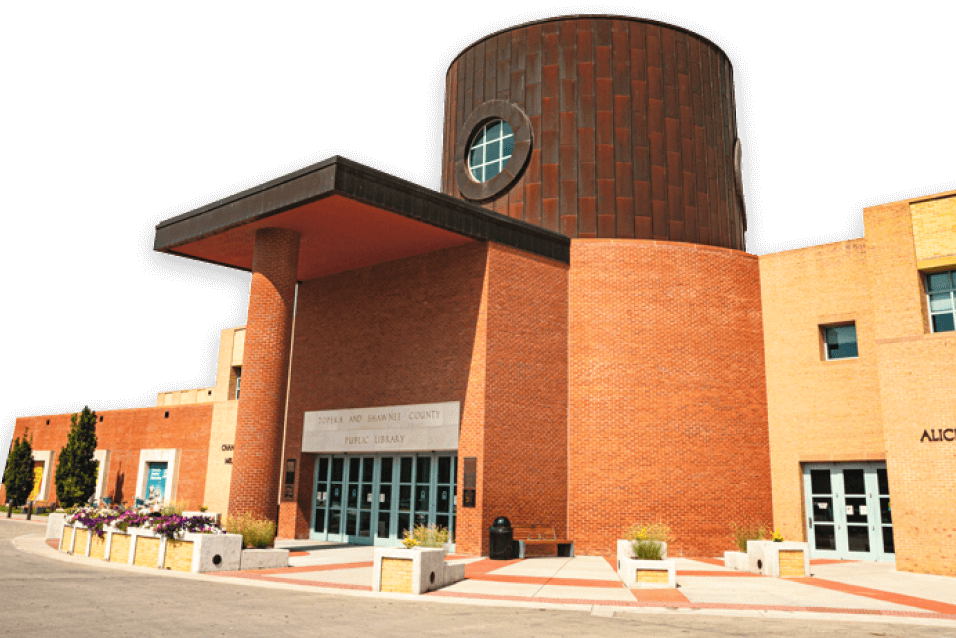
The library is home to a robust collection of items relating to Topeka and Shawnee County history including archives, photographs, ephemera and three-dimensional objects. We have a new way for you to easily access these items through our online system called Recollect.
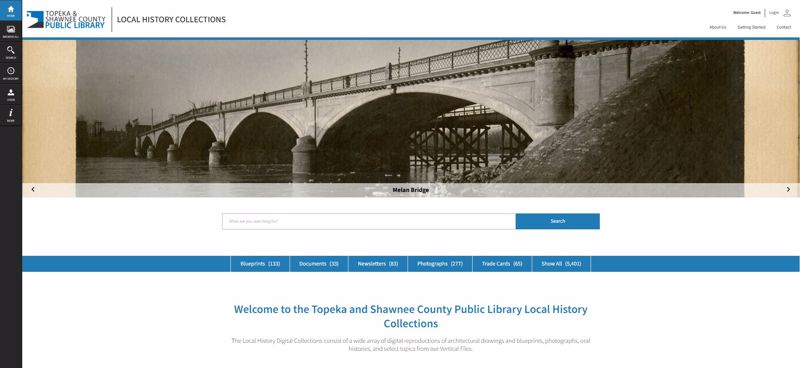
What is Recollect?
Recollect is a collections management and community engagement online platform used by libraries, museums, galleries and academic institutions around the world. Their aim is to transform the way heritage collections are preserved, shared and celebrated.
While the library has been using a platform to store our digitized collections, we needed something that could engage researchers more easily and would allow library staff to know what is in our local history collections, where it is located, and eventually digitize the materials for anyone to use.
How to navigate Recollect
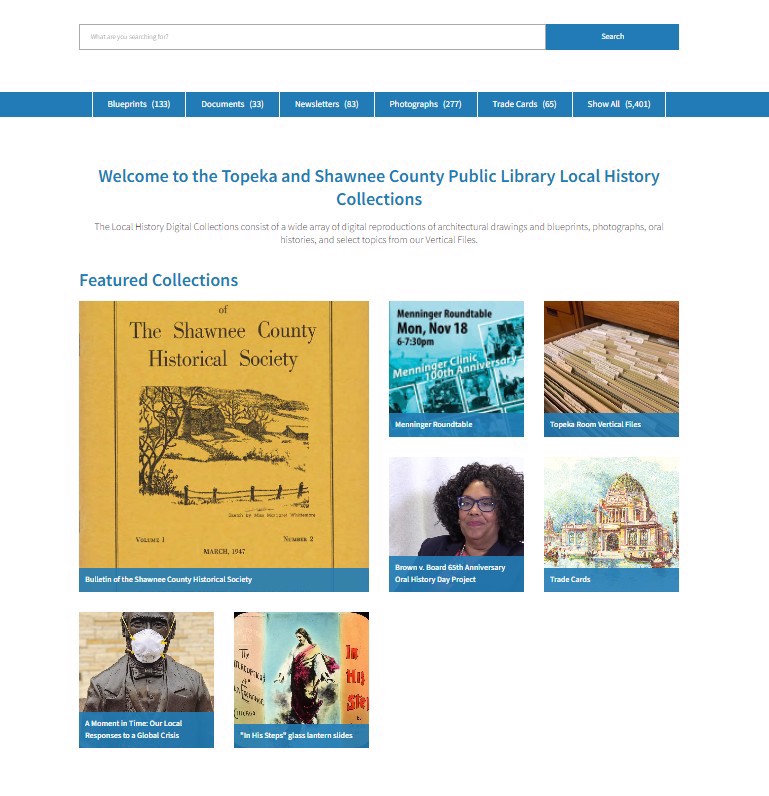 Some of our most prominent collections are featured on the home page.
Recollect is available to everyone! You don’t need a library card to access our digitized collections. When you first enter the site you can search our collections using the search bar or browse based on item type. Further down you can view some of our featured collections including the Shawnee County Historical Society newsletter the Bulletin, the Brown v. Board 65th Anniversary Oral History Day Project, and our recently digitized trade card collection.
If you want to explore our holdings, click on the “Browse All” button on the left toolbar. This will display every item in our collections with the most recent additions at the top. Hover over an item to see more information. You can also filter your browsing experience by format, first letter of the title, date, and whether the item has OCR’d (transcribed and searchable) text.
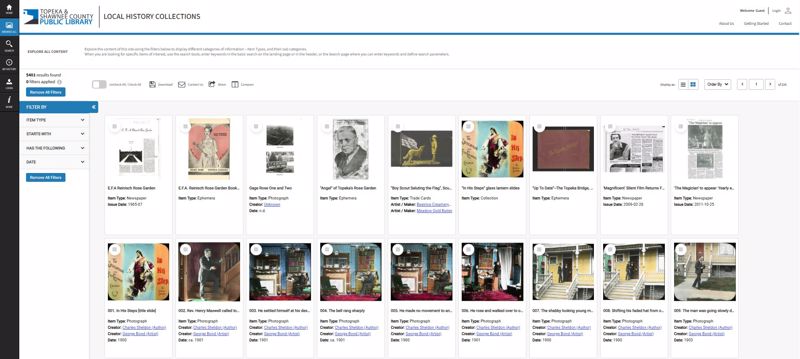 The "Browse All" area lets you look through everything we've added to Recollect so far.
Search for something more specific by simply entering a keyword or phrase into the search bar. The most relevant results will be at the top of the page. Use filters to narrow your search results.
You can achieve more accurate results using an advanced search. Click on the “Search” button on the left toolbar. You can narrow your results to item type (e.g. photograph, map, blueprint), specify where to look for your keyword search (title or other fields), and define the fields the system should search. Within these results you can limit by date or specify whether the system should match all the keywords, any keywords or exact matches only.
How to create your own collection
Create an account if you want to save anything you find on Recollect so it’s easier to access the next time you visit. Accounts are free and are available to anyone, regardless of if they live in the library’s service area. Click on the Login button at the top right of the page or on the left toolbar. You’ll be prompted to either login or create a new account.
Once you’ve created an account, you will be able to save items to your collection. This will be accessible through the “My Collection” button on the left toolbar.
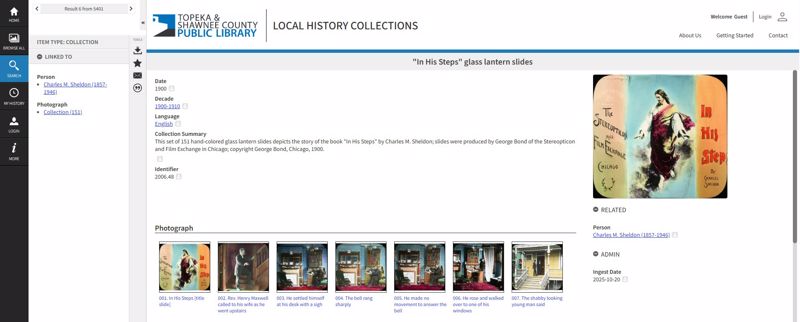 You can save anything from an entire collection to a single item to your collection by clicking the star icon.
An ever growing resource
The library's local history team has been working to get more things digitized and uploaded to Recollect, but we’ve only completed a small amount of what we have in our collections. We are constantly updating the site and digitizing more materials. If an item has not been digitized and you wish to view it, contact the us at localhistory@tscpl.libanswers.com or call 785-580-4400 to set up an appointment.