









Digital Art Studio
image
intro
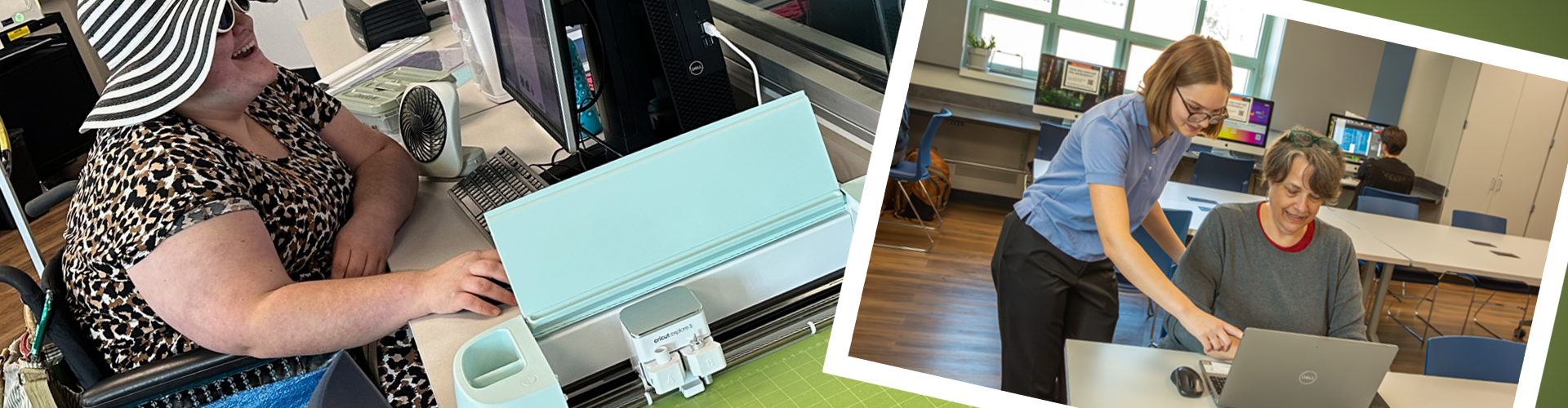
This Digital Art Studio is the perfect place to work on your artistic hobby, implement your Etsy side hustle or build your portfolio for your next career. With the Level 2 Tech Center tools, intro classes and helpful library staff, you’ll be ready to move up and accomplish your goals.
Take an online equipment/room orientation class. Users must complete orientation for the equipment they would like to reserve.
Once you’ve learned the basics of how the equipment works, you can schedule time in these spaces to work on whatever you’d like – podcasts, videos, photo editing, graphic design, vinyl lettering or almost anything else you dream up. Tech Center staff will help you find the best courses to help you accomplish your goals.
Equipment
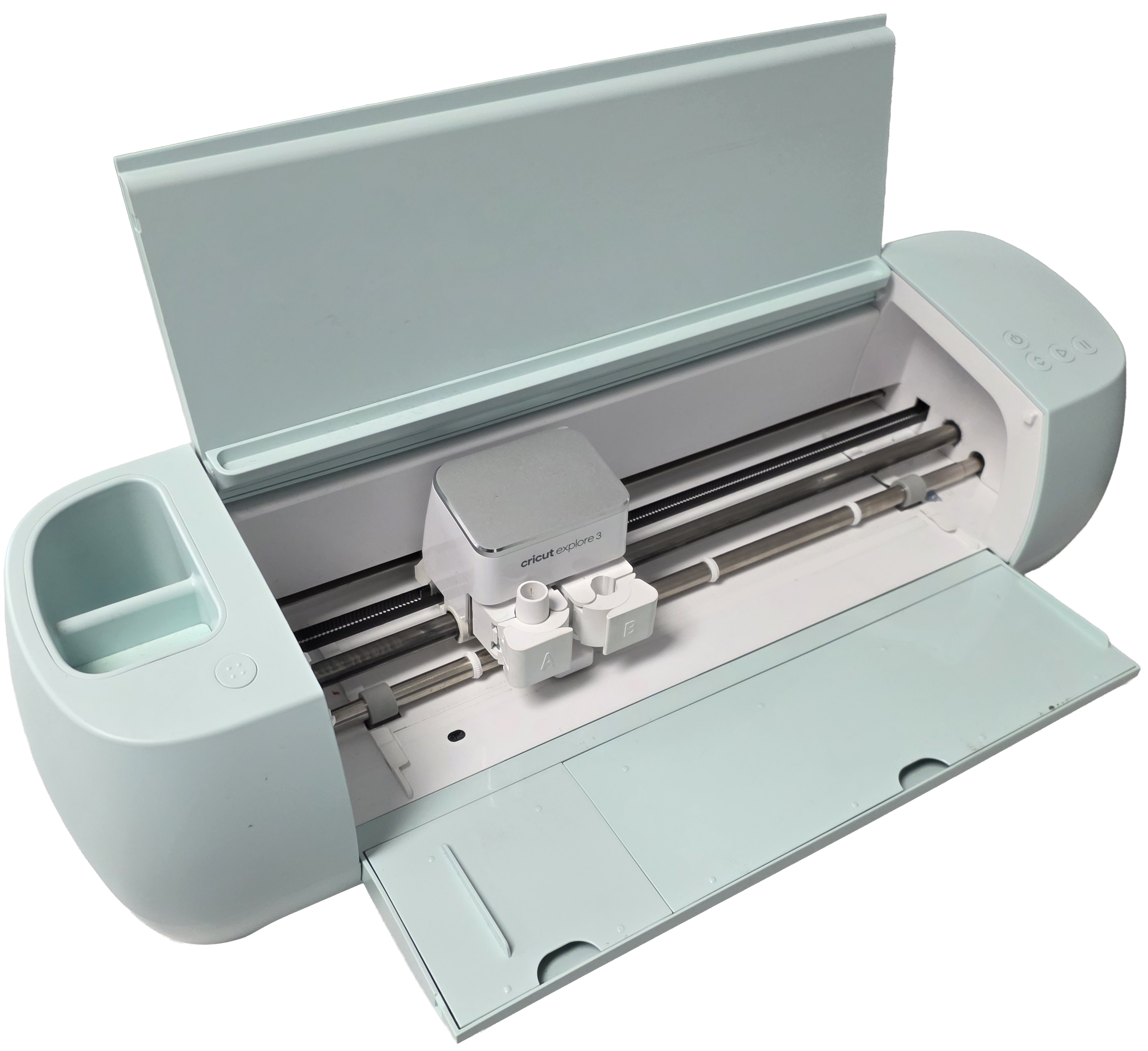
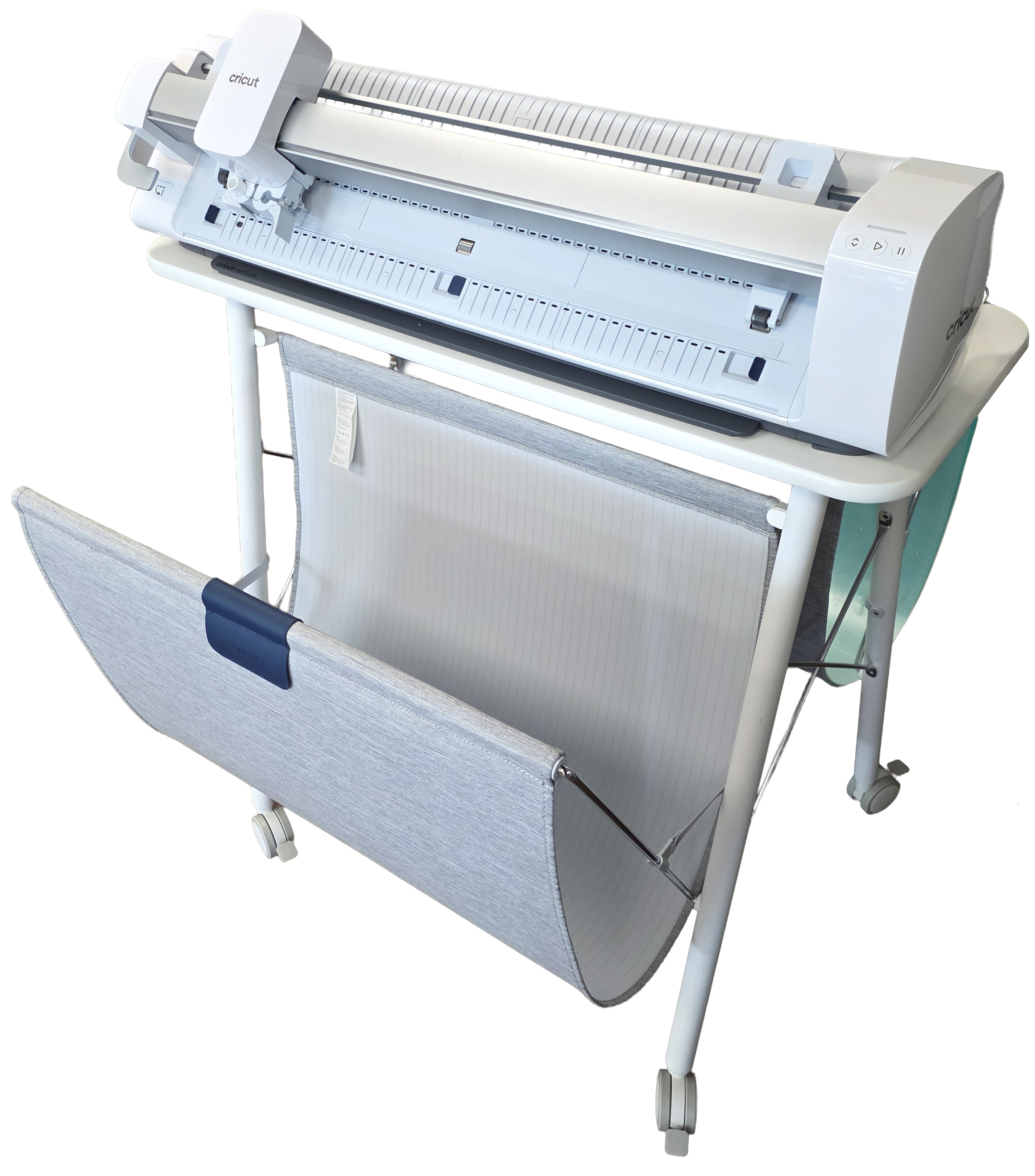
A Cricut is an electronic cutting machine that allows you to cut and score designs from materials like paper, vinyl, card stock and iron-on transfers.
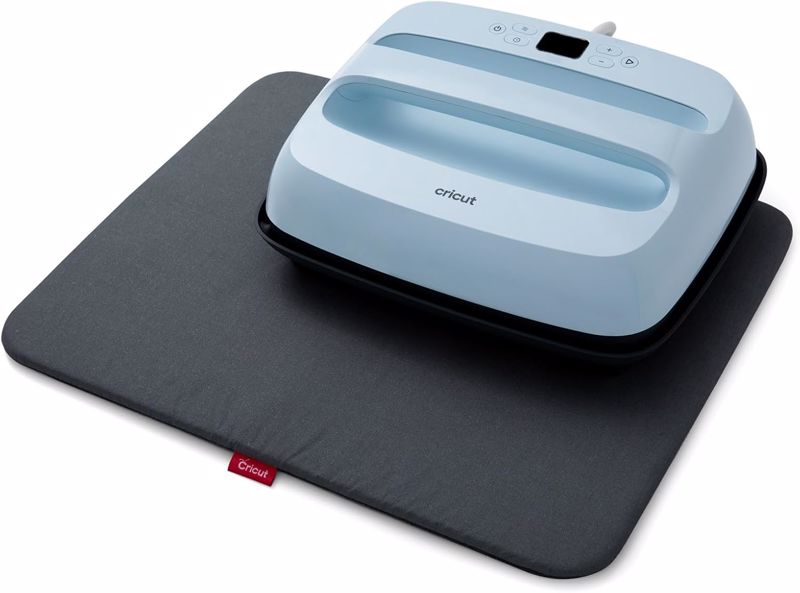 Heat press (Cricut Easy Press 3 Heat Press Machine) - is a specialized press designed for applying heat transfer designs onto fabric, wood and other surfaces.
- Cricut Explore 3
- Cricut Venture
- Cricut Design Space
- Cricut basic tool set
- Cricut paper cutter
- Cutting mat
- Heat press
- Vinyl sheet 12 x 12 - $2 per sheet
- Cardstock 12 x 12 - $.50 per sheet
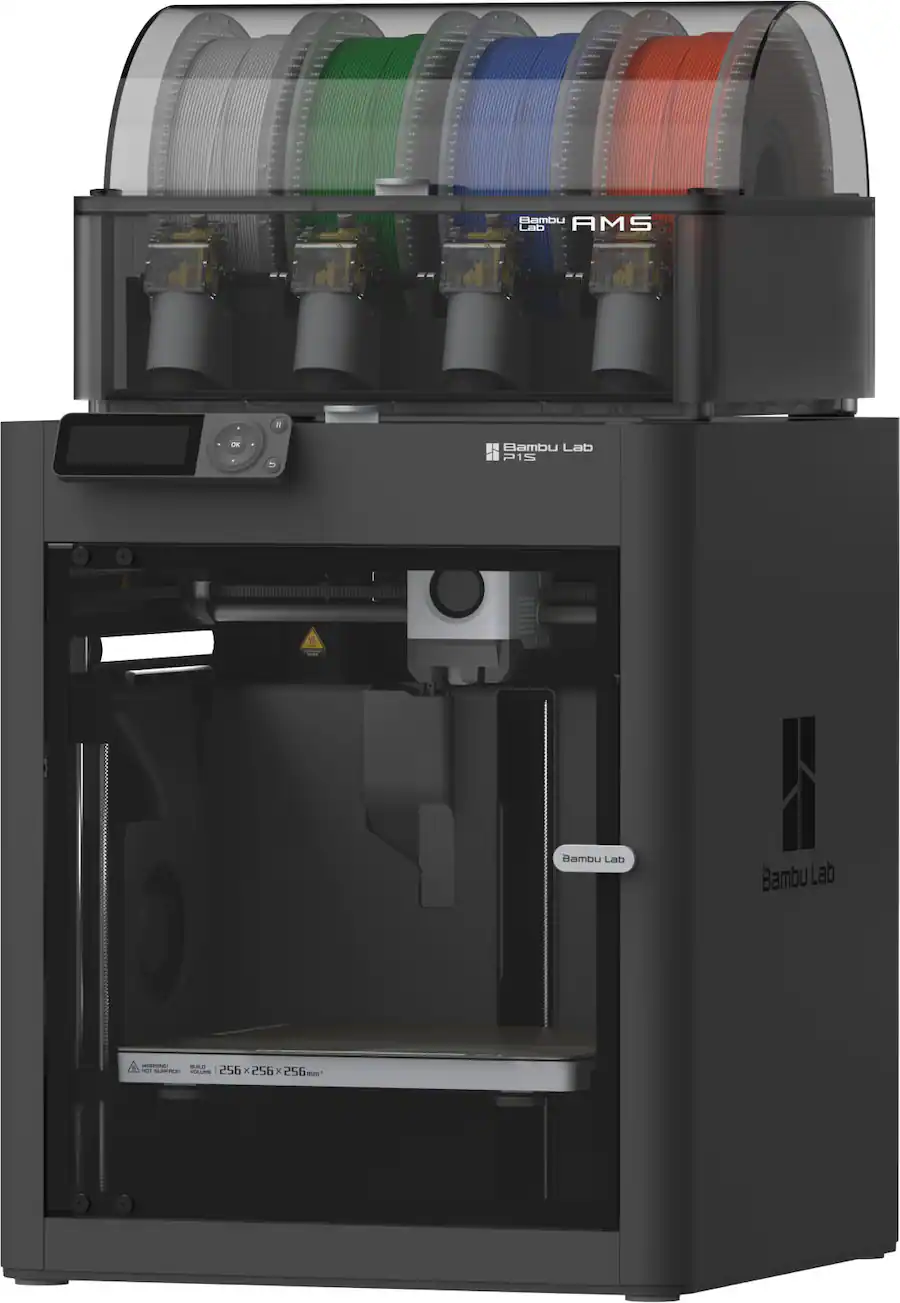 Bambu Labs P1S - is a Fused Deposition Modeling printer. They extrude polylactic acid (PLA), a compostable thermoplastic derived from corn starch, through a nozzle and deposit it in layers on a heated platform called a build plate. It works like a fancy hot glue gun.
Files can be found at Thingiverse, Printable, and Bambu Studio. Files must be printed in less than five hours.
Print price:
3D prints $2 per session (payment after print completion - no charge if print fails)
- The Library offers customers the use of 3D printers to inspire interest in design and to promote digital literacy and entrepreneurship in our community.
- The Library may charge a nominal fee to print and may set limitations on print time for the purpose of providing fair and equal access to the 3D printers.
- Customers can design and create 3D printed-items of any type other than those that:
- Are prohibited by local, state, or federal law;
- Are unsafe, harmful, dangerous, or pose an immediate threat to the well-being of others (For example, guns, knives, or other possible lethal weapons);
- Are obscene or otherwise inappropriate for the Library environment; and or
- Violate another person’s property rights, (For example, the printer cannot be used to reproduce objects or materials that are subject to copyright, patent, or trademark protection).
- Library staff are available to troubleshoot prints as time allows.
- The Library will not be liable for functional failure of materials made through the use of its 3D printers, or injuries or property damage caused by them.
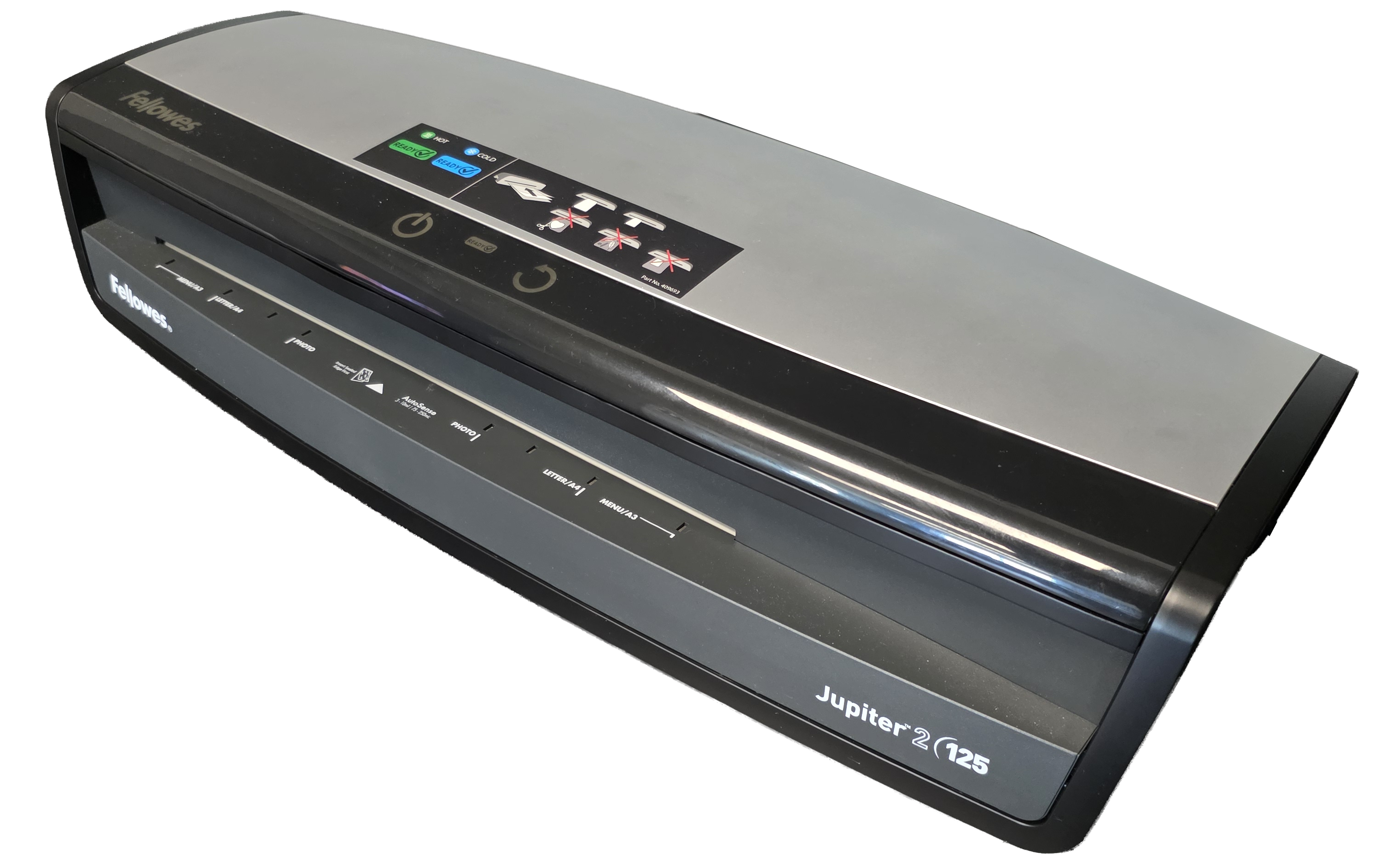 A laminator is a machine that applies a protective plastic film to documents, photos, or other materials by using heat and pressure to seal them between two plastic sheets
Material for purchase at the L2TC desk:
Laminator pouches $.50 per sheet
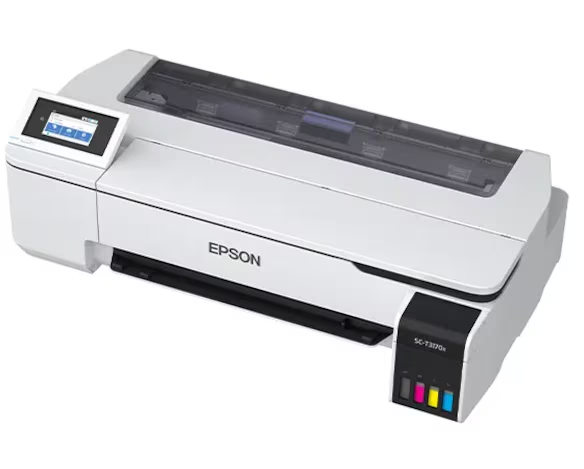 The large format printer is an Epson SC-T3170x and uses a standard Epson print driver--it does NOT use the SAM printing software located on the regular library public computers.
No other library PC’s can print to this printer. Paper width is 24 inches, paper length is determined by the print.
No Reservation Needed
The large format printer does not need to be reserved and is available anytime that it is not currently logged into during standard library operating hours. You just need to log into the PC attached to the printer with your library card number and PIN. The attached computer is to be used solely for printing and editing of prints.
Cost
- The cost per print is set at $2.00 per linear foot. All measurements are to be rounded up to the nearest foot. Example--a print 15 inches in length would be $4.00. Prints less than a foot long will have a $2.00 minimum charge. Again, paper width is 24 inches and doesn't change.
- Keep in mind that unless you are doing borderless printing that there WILL be excess white space, this is determined by a number of factors including image size, placement and formatting. This extra white space IS included in the final cost.
- Material--the printer will be loaded with rolls of matte paper. At this time other paper types will not be used. You may not bring in your own materials. IF PAPER OR TONER ARE LOW, CONTACT STAFF AT THE SERVICE DESK – don’t start a huge print job if you notice that toner levels are low, make sure it gets filled first!
- Both costs and materials are subject to change.
- You may either bring completed print to the service desk or have staff come to the printer to measure your print. Staff will measure your print and apply the charge to your account. Pay for the charge at the nearby kiosk by selecting Start, entering your library card number and PIN, and selecting Bill Pay. Please do not leave the Level 2 Tech Center without paying for your print!
File Types and Software
- Vector formats are preferred, although many formats may be used. Lossless file types are optimal, such as TIFF or PNG. PDF’s and JPEGS are acceptable, although enlarging JPEGS may cause loss of detail. This printer will print at resolutions of up to 2400 dpi. This printer works fine with RGB color profiles but CYMK works best.
- The PC attached to the printer has several types of software available to both view images and to edit/print from. These include MS Paint, Photos, Adobe Reader and Irfanview. If you need access to other Adobe products please reserve either the PC workstations or MACS in the digital art studio, as those machines have Adobe Creative Cloud installed.
